Turn the story in your head into one you can watch.
One sentence in. storyknit writes the scenes, casts your characters, draws every shot, and plays it back in their voices. No drawing, no editing, no film school.
free · no card needed
your idea
A lighthouse keeper’s daughter finds a message in a bottle.
scenes
1 — The strange tide
2 — Glass in the seafoam
3 — Words from far away
cast
June · locked
The Bottle · locked
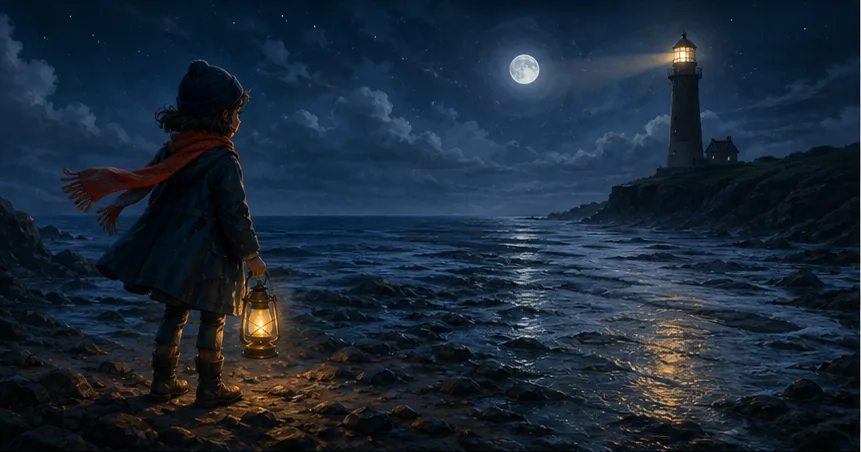 June
JuneThe strange tide
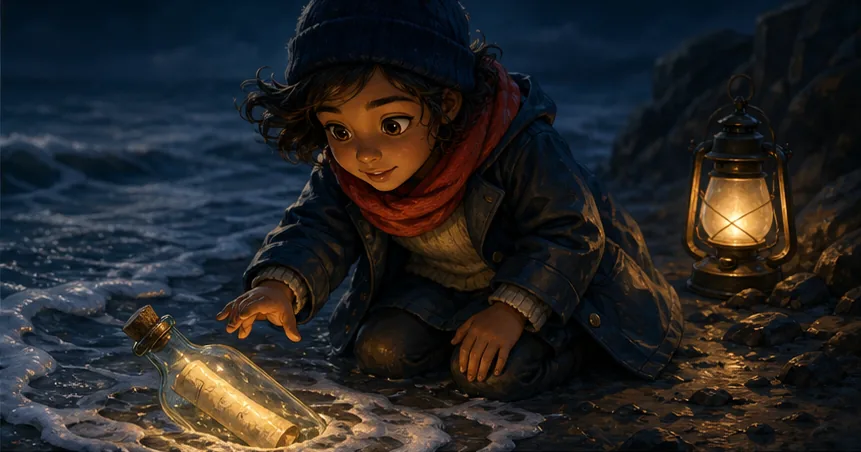 June
JuneGlass in the seafoam
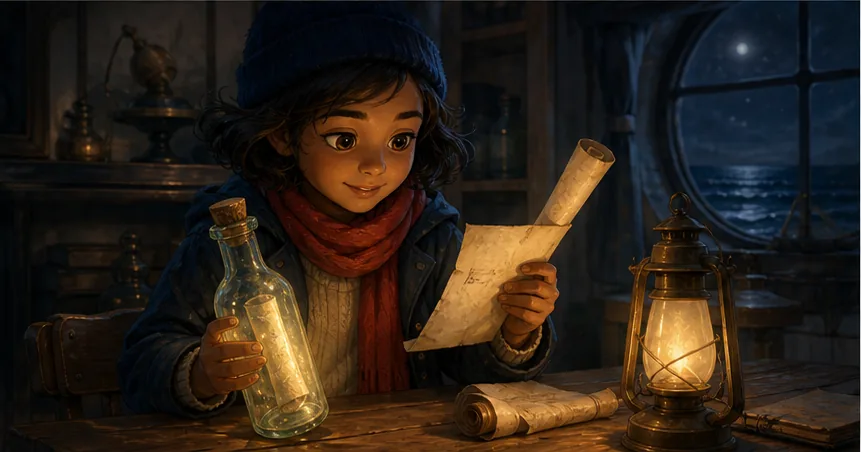 June
JuneWords from far away
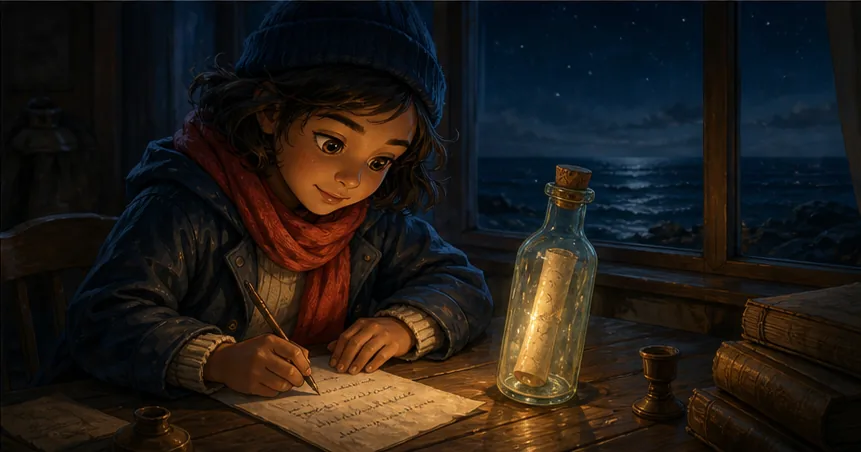 June
JuneShe writes back
voiced · playing
bedtime stories · starring your kid · family legends · fanfic · d&d recaps · webcomics · picture books
01 —
Say it
A lighthouse keeper’s daughter finds a message in a bottle.
Six scenes, two characters — here’s your board.
That’s the whole job. storyknit writes the scenes.
02 —
Cast it
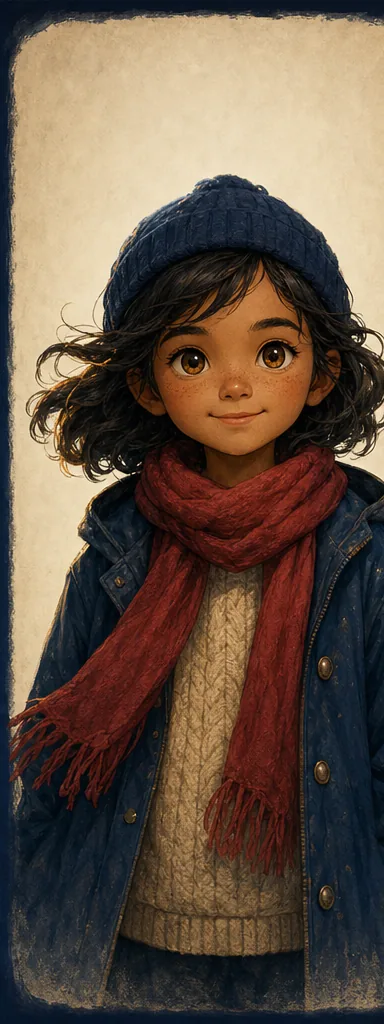 front
front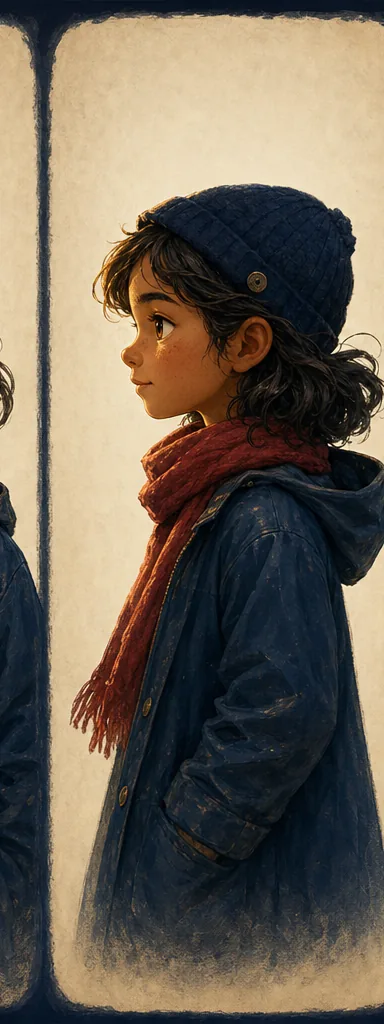 side
side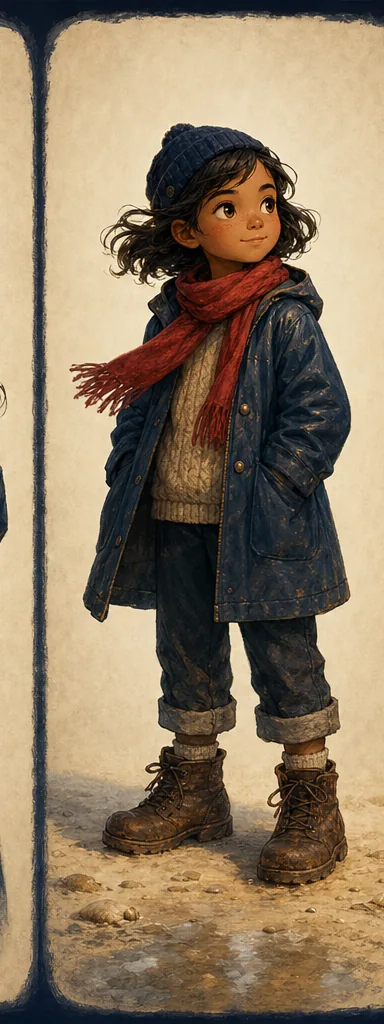 full
fullJune
character · in 5 shots
red scarf · brave · age 8
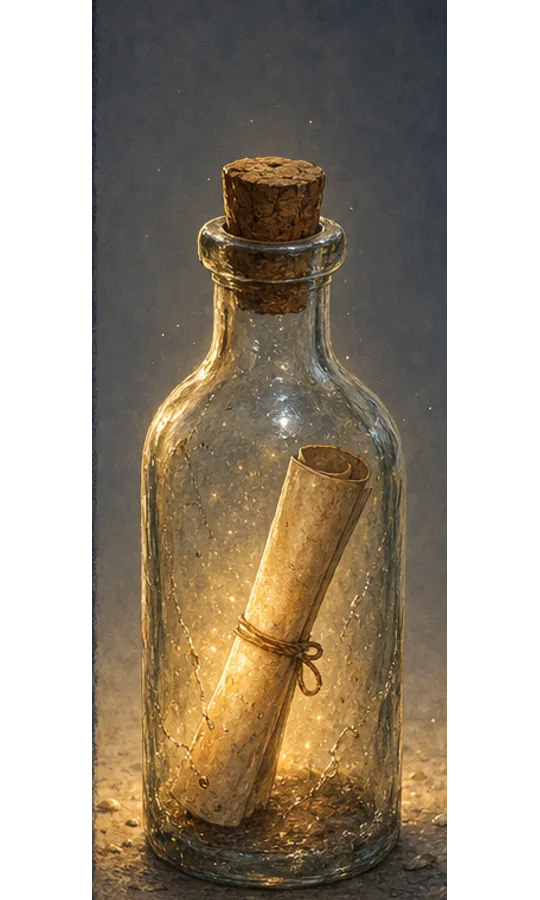 locked
The Bottle
element · in 3 shots
sea-worn glass · glows faintly
Held identical in every shot it appears in.
Approve her once. She’s yours in every shot.
03 —
Watch it

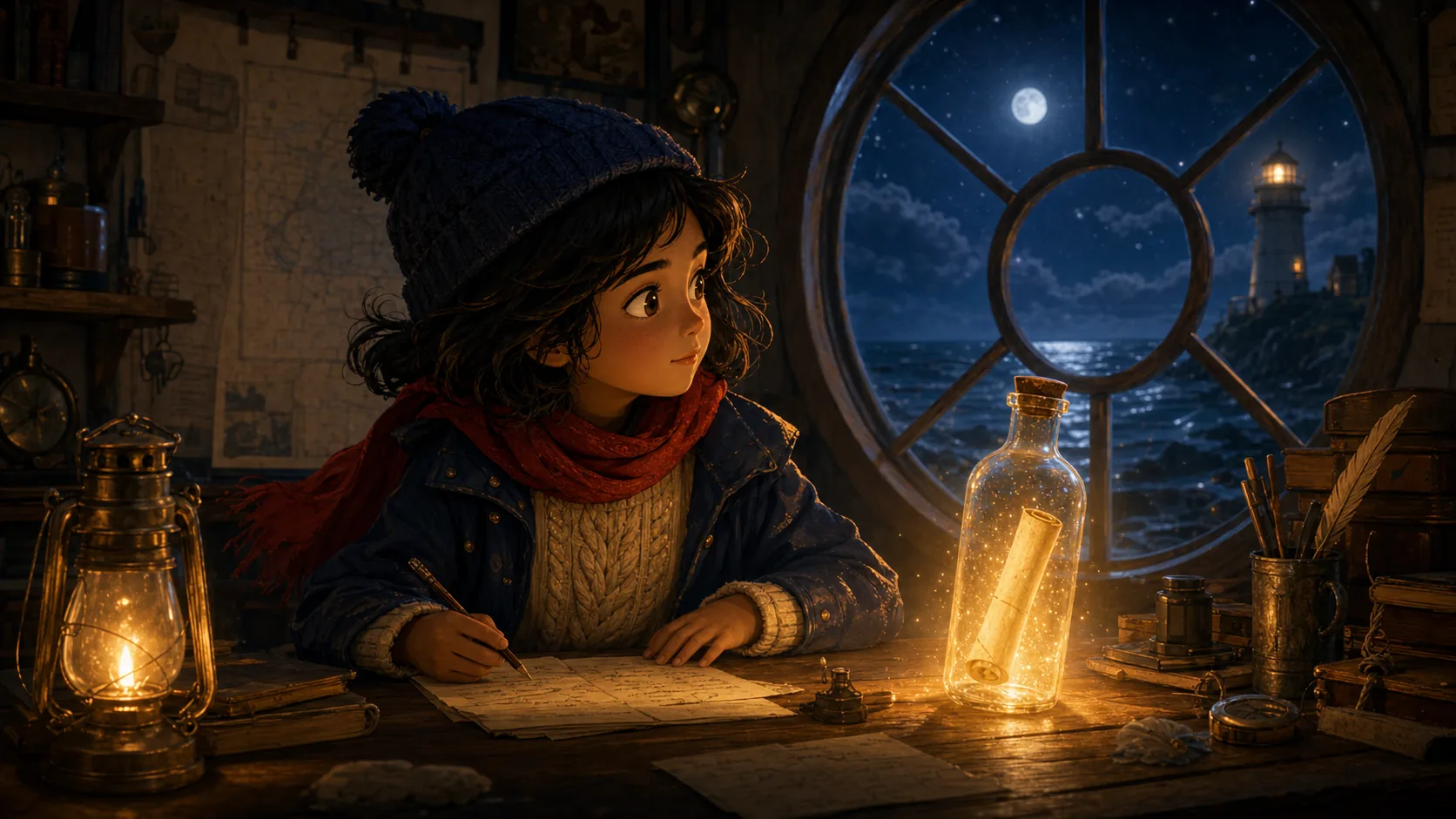 S3S4
S3S4“The sea never sent letters before…”
“Tonight, it did.”
June at the tide line, lantern raised — the sea pulling back to show the sand.
Every shot drawn and voiced. Playing in minutes.
the cast
They never forget who they are.
Not “usually similar.” The same June — face, wardrobe, and voice — scene after scene.
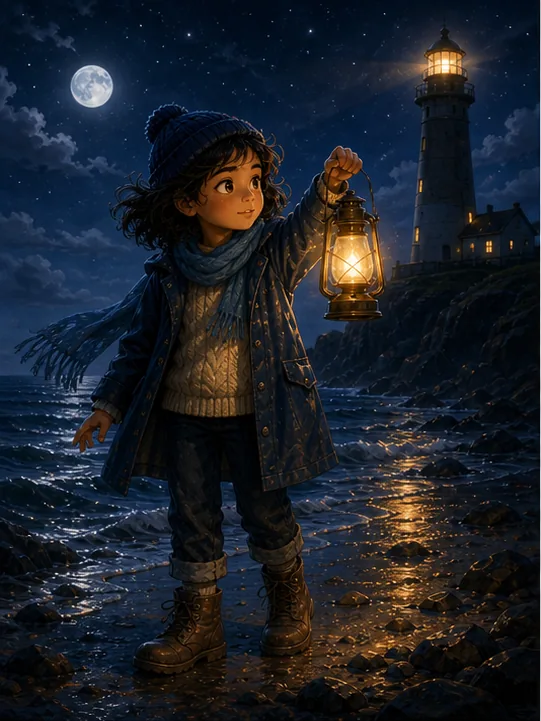 SHOT 01June
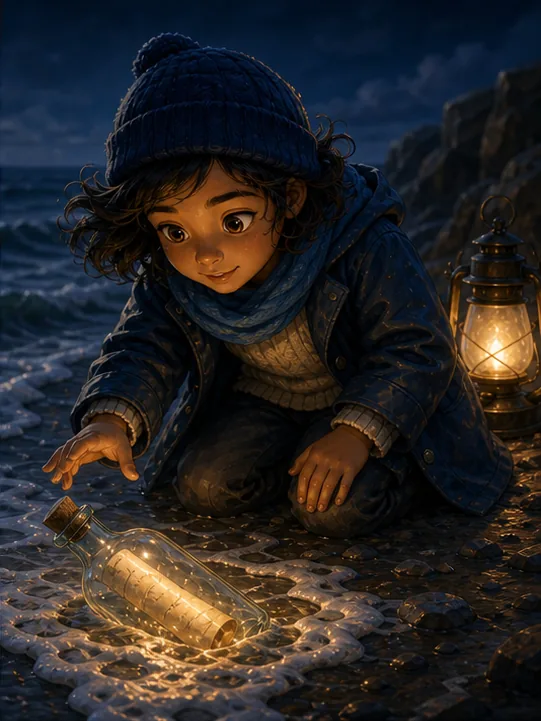 SHOT 02June
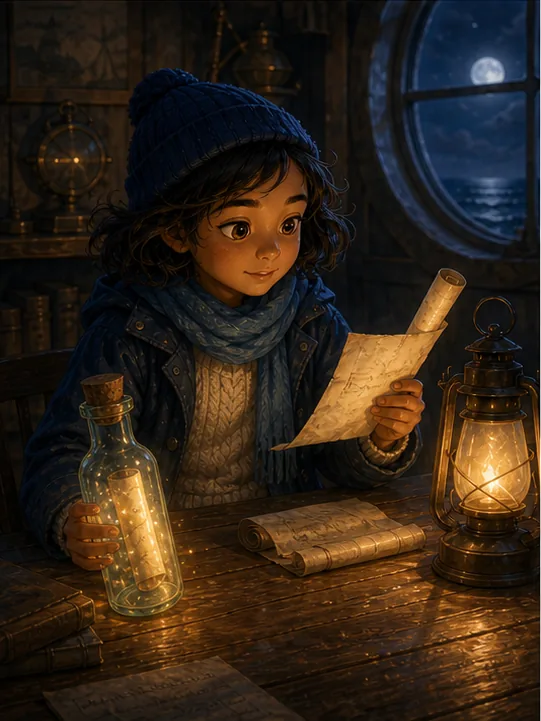 SHOT 03June
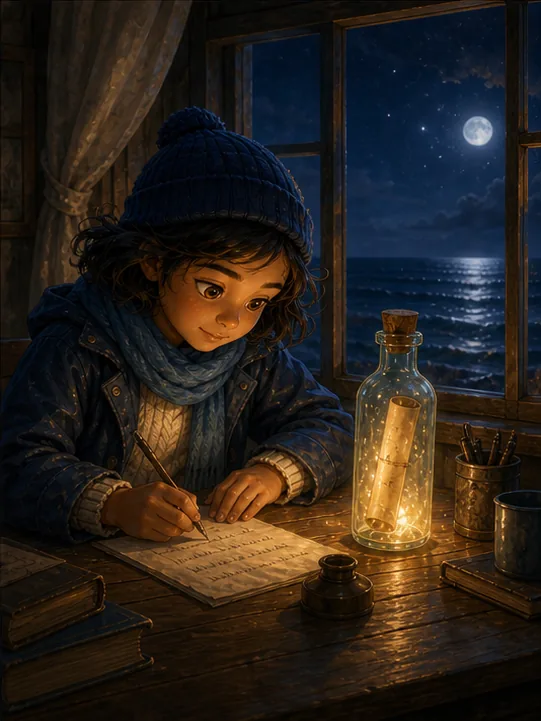 SHOT 04June
— “make June’s scarf blue”
Change her once. Every shot follows.
You’re the director. Just say it.
— “give the ending more hope”
— “she should sound older”
— “redraw shot 3, closer”
What you can make
One machine. Every kind of story.
Every cover here is the same machine wearing a different story — your cast, your voices, your shots.
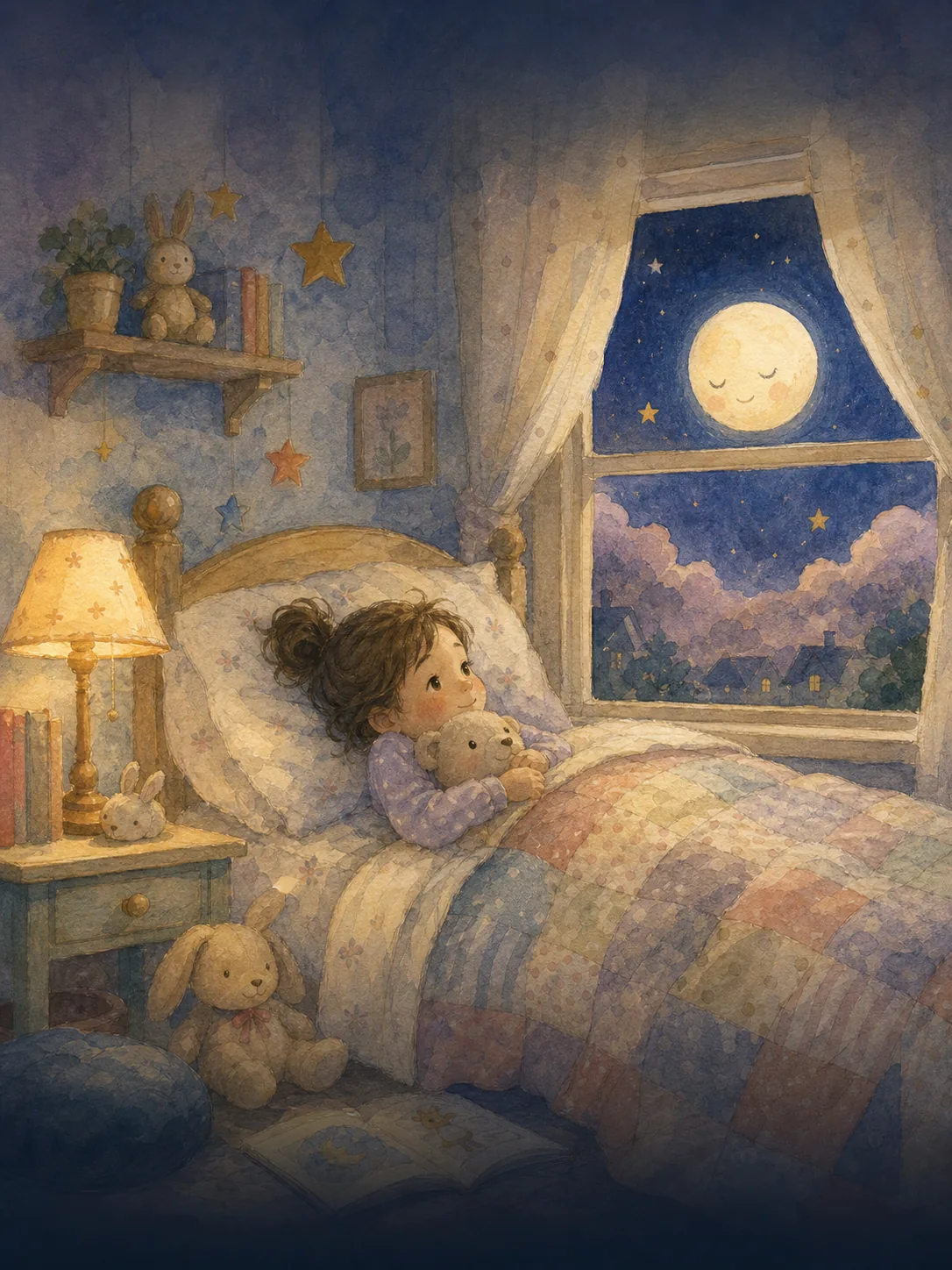
Bedtime story
The Night the Moon Overslept
A new tale every night, with the same friends in it.
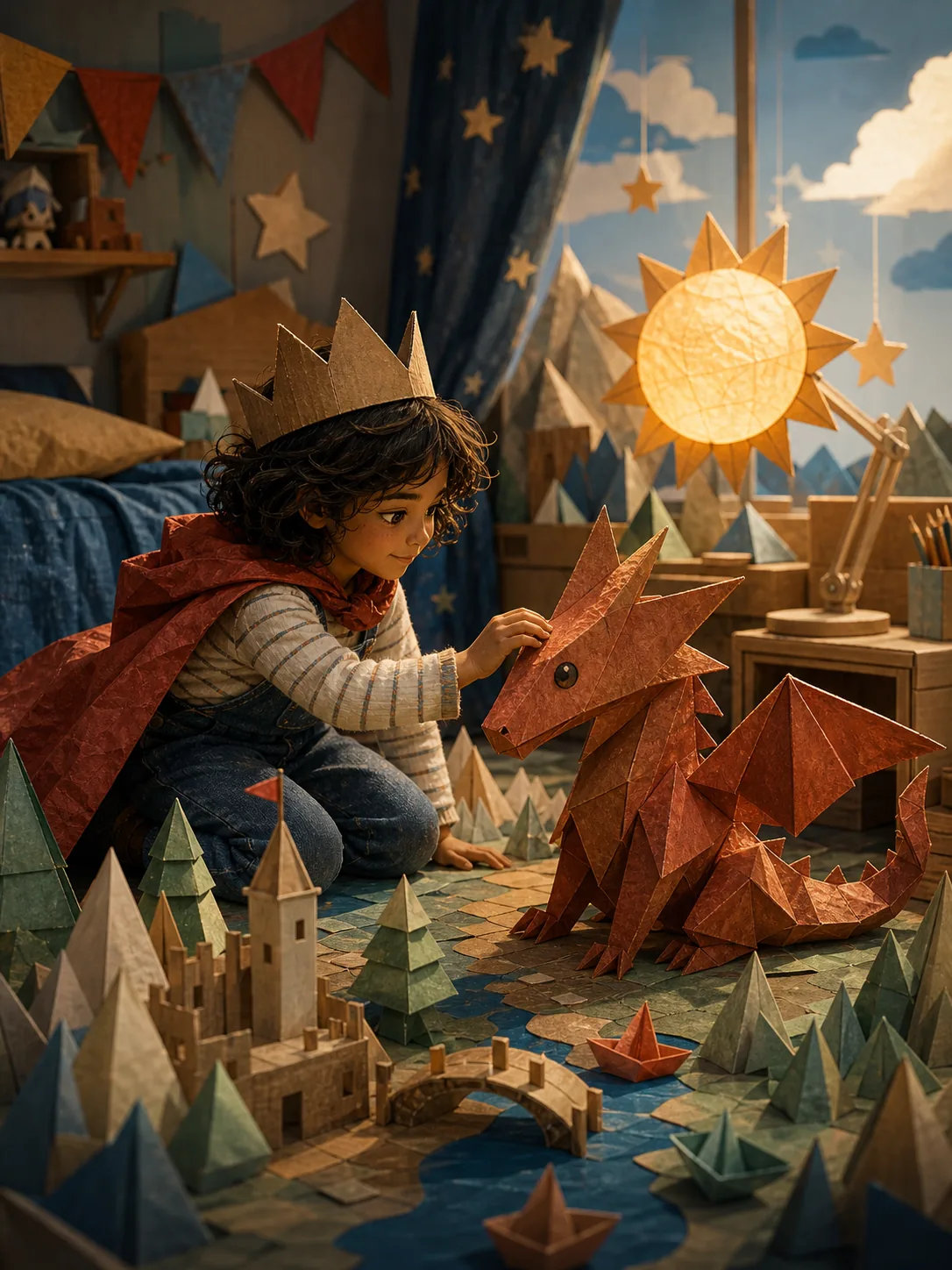
Starring your kid
Leo and the Paper Dragon
Tonight’s hero is the kid you just tucked in.
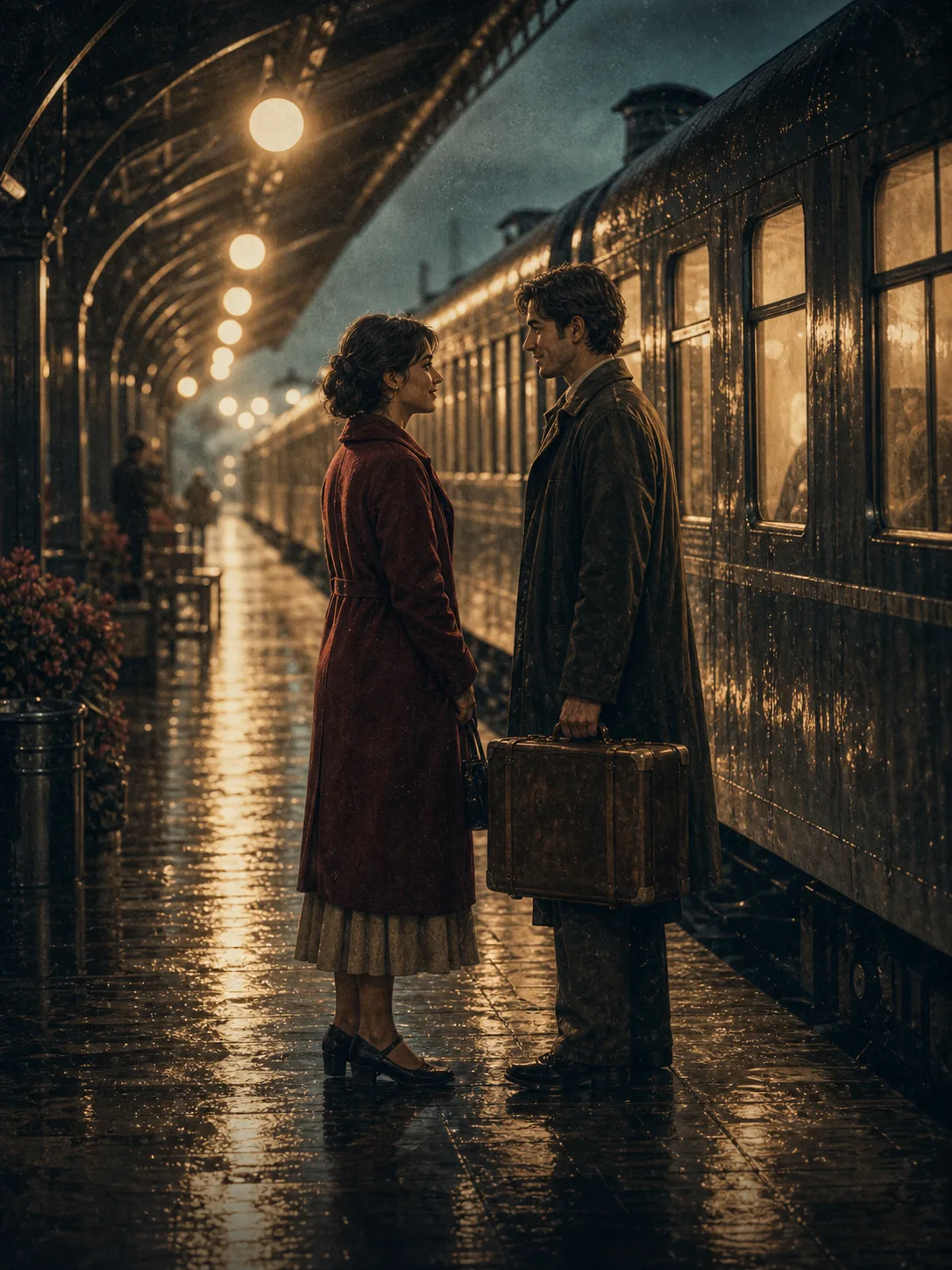
Family legend
How Grandpa Missed the Train (and Met Grandma)
The story told at every dinner, finally on screen.
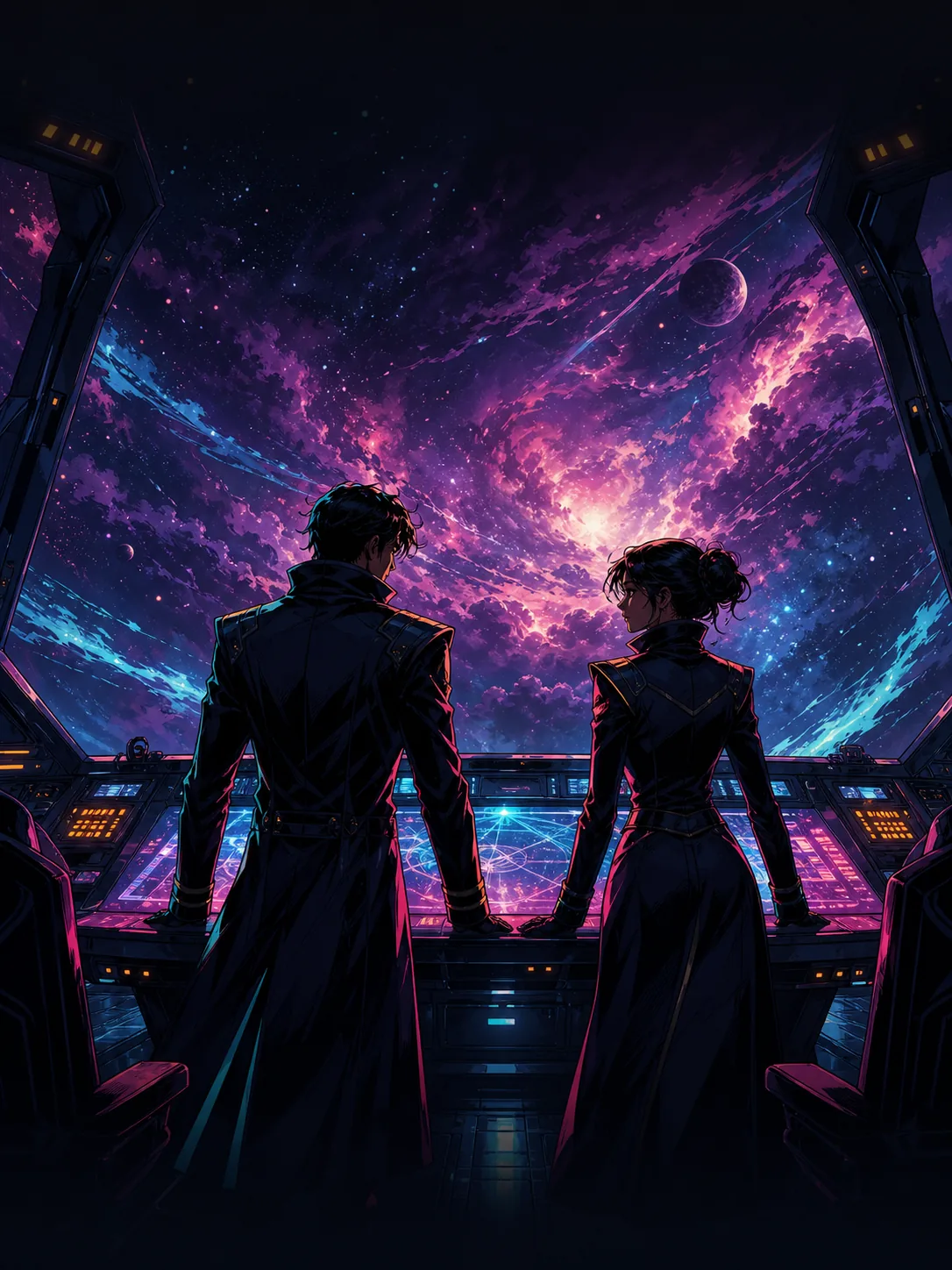
Fanfic episode
The Captain’s Second Chance
Your ship, your canon — actually watchable.
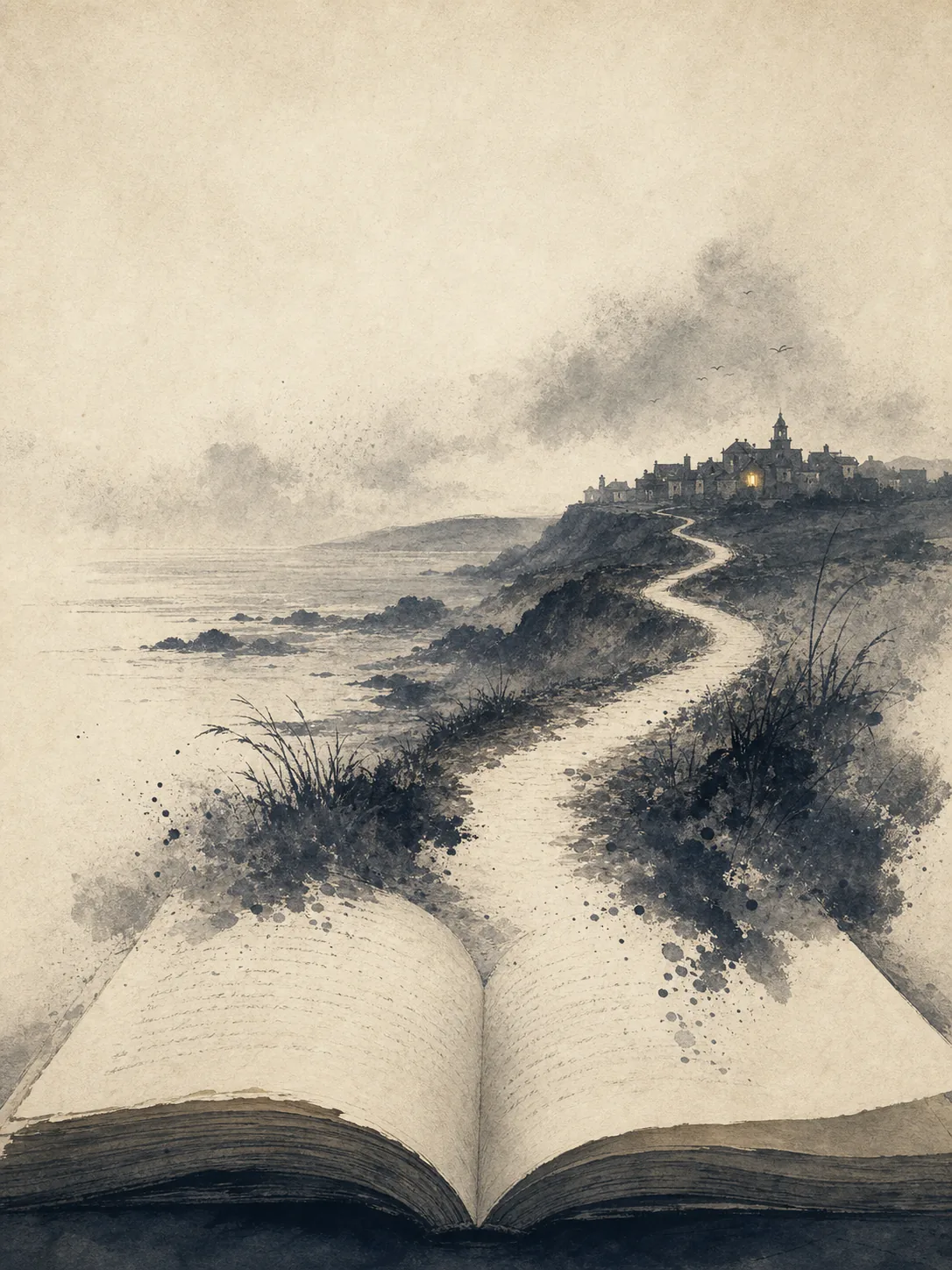
Novel chapter
Chapter One: The Salt Road
Watch your manuscript before anyone reads it.
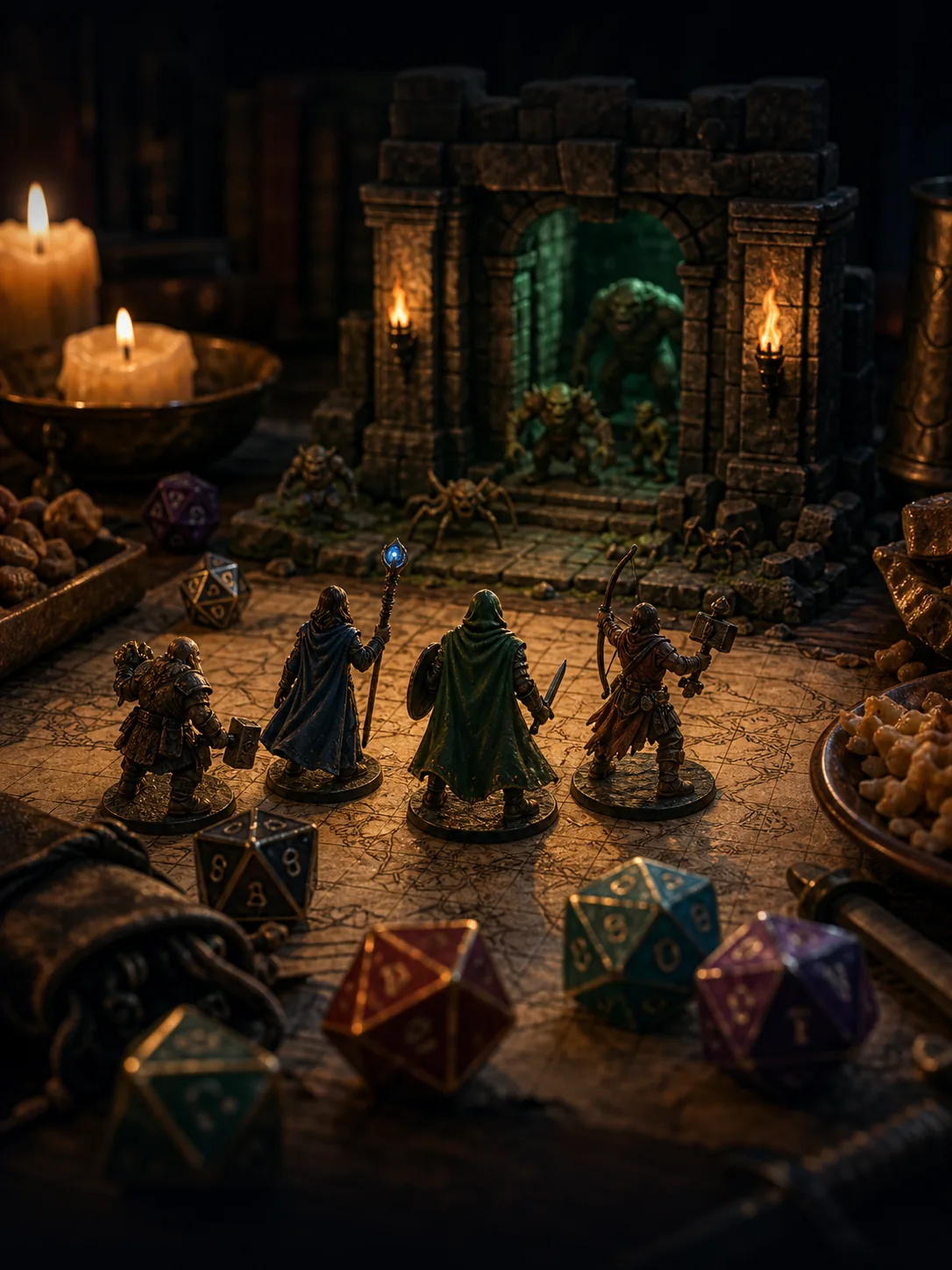
D&D recap
The Vault of the Serpent King
Last night’s session, replayed for the whole party.
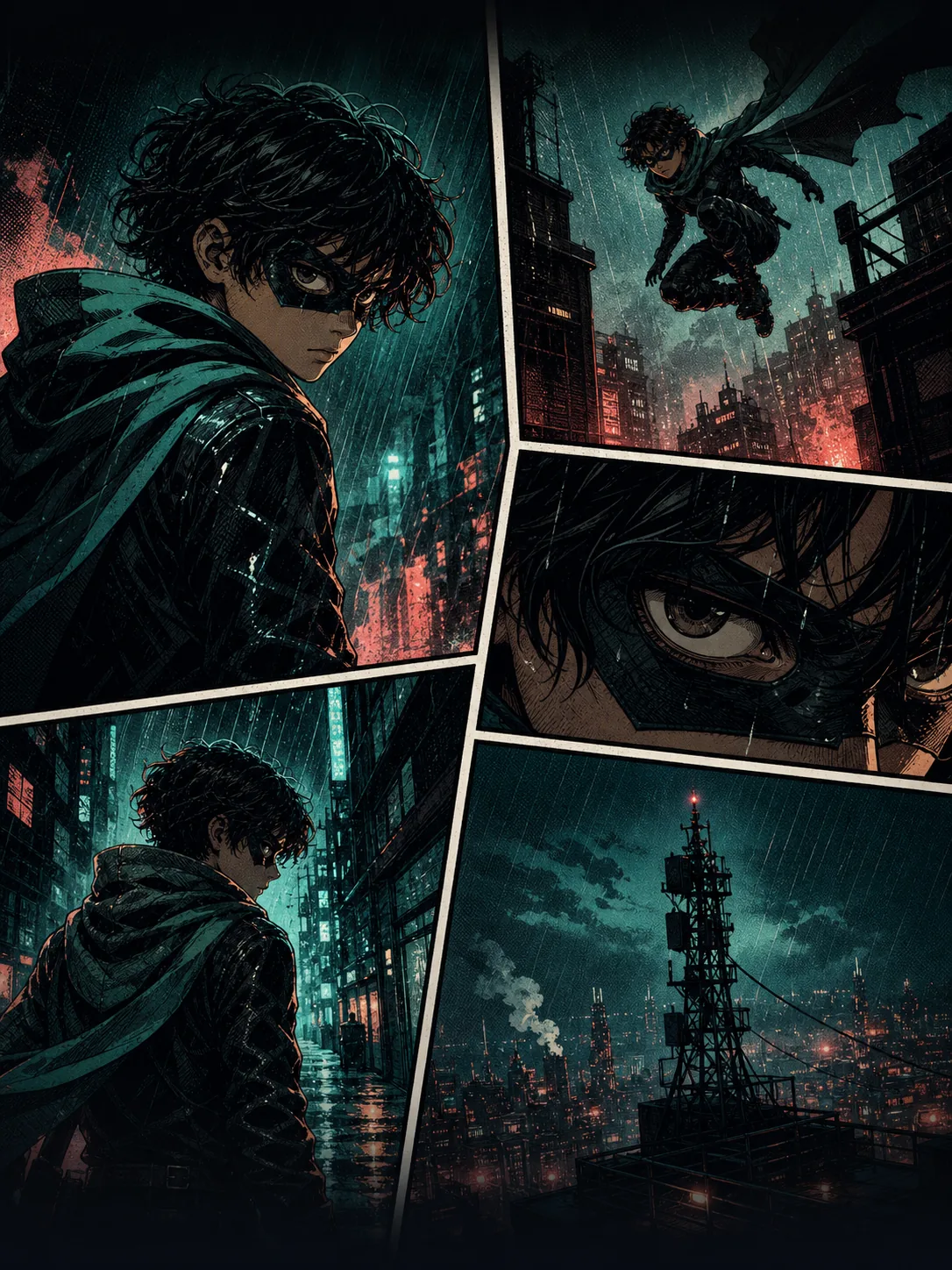
Webcomic chapter
Signal Lost — Ch. 3
Panels that keep the same faces, page after page.
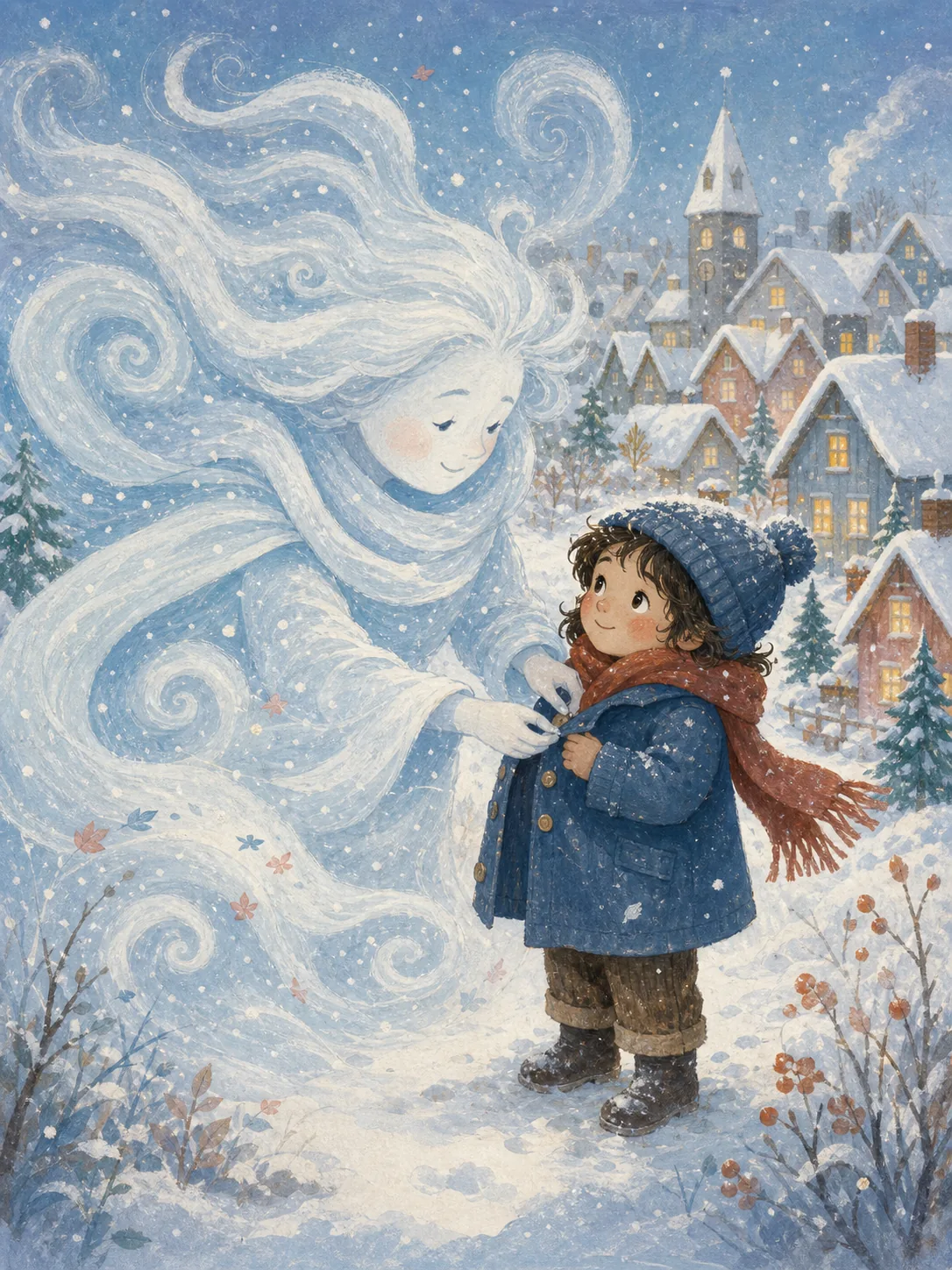
Picture-book draft
A Coat for the North Wind
Pitch-ready pages before you hire an illustrator.
Your story
What’s it about?
This spot on the shelf is open.
Pricing
Start free. Stay for the series.
Free
$0/mo
Try a whole story.
- — Build and edit boards
- — Starter credits to narrate
- — Share by link
Story
most popular$19/mo
For the everyday storyteller.
- — Up to ~35 narrated stories / mo
- — Character voices
- — Your cast, across every story
Studio
$49/mo
For heavy animation & series.
- — Up to ~90 narrated stories / mo
- — Commercial rights
- — Priority renders
Cancel anytime · failed renders refunded on every plan
FAQ
Asked first, answered plainly.
Do I need to know how to draw or edit?+
No. You type what happens; storyknit writes the scenes, draws the shots, and voices them. If you can describe it, you can make it.
How do characters actually stay the same?+
You lock a character once, and storyknit carries her references into every shot she appears in. Change your mind — “make June’s blazer ivory” — and every shot that stars her updates together, not one at a time.
Can characters have their own voices?+
Yes. Pick or design a voice per character, and she keeps it in every story she appears in.
Is it free to try?+
Yes — build your board and watch your first story on free credits, no card needed. Every render shows its price before it runs, and failed renders refund themselves.
Can I share what I make?+
Every story gets a link; the other person just presses play in their browser. Grandma’s phone counts.
your turn
What’s your story about?
“a dragon who is afraid of heights…”
Start your story — free storyknit
Stories where the cast stays the cast. © 2026 storyknit